
Fast, protected sign-in
Use biometrics on a trusted phone, with password sign-in still available when needed.
Mobile banking
The app keeps the same accounts close at hand: sign in with Face ID or a fingerprint, deposit a check with the camera, move money, pay bills and find the nearest branch or ATM.
App overview
The mobile app is best for balances, deposits, transfers and alerts. Larger document work is still easier on a desktop browser.
First Citizens Bank launched mobile banking in 2011 and has kept the app focused on the jobs people do on a phone. Balances open quickly, transfers take a few taps, and the camera handles check deposits.
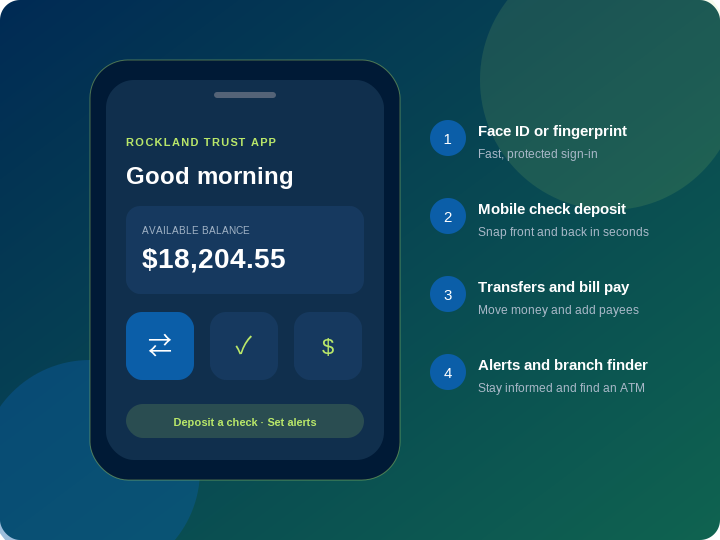
Core features
Use biometrics on a trusted phone, with password sign-in still available when needed.
Photograph both sides of a check and submit it without visiting a branch.
Move money between eligible accounts, add payees and schedule payments.
Set balance or transaction alerts and review secure messages in the app.
Locate nearby First Citizens Bank locations and check services before you travel.
Connect with a dedicated banker when your relationship includes that service.
App or browser
Use the app for speed and the camera. Use a browser for statements, long forms and multiple documents.
| Task | Mobile app | Desktop browser |
|---|---|---|
| Balance check | Fastest with biometrics | Works after full sign-in |
| Check deposit | Best option | Usually not available |
| Bill pay setup | Good for existing payees | Easier for new payee details |
| Statement review | Readable but cramped | Best option |
| Branch finder | Best option | Available on the website |
| Travel notices | Usually app-based | May require a call or message |
Getting set up
Search for the First Citizens Bank mobile banking app and confirm the publisher before installing.
Use the same User ID and password as the website. Complete any device verification prompt.
Enable Face ID or fingerprint access only on a phone you keep locked.
Choose transaction, balance or sign-in alerts and test that notifications arrive.
App questions
The app itself is free to download. Message, data and device charges from your mobile carrier may apply.
Open the deposit option, choose the account, enter the amount, photograph the front and back of the check, and keep the paper check until the deposit is confirmed.
Yes. Face ID and fingerprint sign-in are optional conveniences. You can still sign in with your User ID and password.
Yes. Mobile access is not limited to the branch footprint. Some account actions may still require a branch visit or a call.
The login page covers sign-in basics, and the online banking page explains transfers, alerts and statements.